

In the realm of audio technology, USB speaker bars have emerged as a popular choice for enhancing the sound experience of various devices. As a supplier of USB speaker bars, I often encounter the question: Can a USB speaker bar be connected to a desktop computer? In this blog post, I will delve into this topic, exploring the feasibility, benefits, and considerations of connecting a USB speaker bar to a desktop computer.
The Feasibility of Connecting a USB Speaker Bar to a Desktop Computer
The short answer is yes, a USB speaker bar can indeed be connected to a desktop computer. Most modern desktop computers are equipped with USB ports, which provide a convenient and straightforward way to connect external devices, including speaker bars. Unlike traditional audio connections that rely on analog audio jacks, USB connections offer a digital interface, which can deliver high - quality audio signals with less interference.
When you connect a USB speaker bar to your desktop computer, the computer recognizes the device as an audio output device. This means that you can easily select the speaker bar as your default audio output in the computer's sound settings. The process is usually as simple as plugging the USB cable of the speaker bar into an available USB port on the computer and then adjusting the audio settings accordingly.
Benefits of Connecting a USB Speaker Bar to a Desktop Computer
1. High - Quality Audio
USB speaker bars often support high - resolution audio formats. Since the audio signal is transmitted digitally, there is less loss of quality compared to analog connections. This results in clearer, more detailed sound with better separation of different audio elements. Whether you are listening to music, watching movies, or playing games, the enhanced audio quality can significantly improve your overall experience.
2. Easy Setup
As mentioned earlier, the setup process is extremely simple. You don't need to worry about complex wiring or dealing with audio adapters. Just plug in the USB cable, and you're almost done. This is especially beneficial for users who are not tech - savvy or those who want a hassle - free audio solution for their desktop computers.
3. Space - Saving
USB speaker bars are typically compact in design. They take up less space on your desk compared to traditional speaker systems. This is ideal for small workspaces or home offices where space is at a premium. You can enjoy great audio without cluttering your desk with large speakers.
4. Compatibility
USB is a universal standard, and most desktop computers support USB devices. This means that regardless of the brand or model of your desktop computer, there is a high chance that you can connect a USB speaker bar to it without any compatibility issues.
Considerations When Connecting a USB Speaker Bar to a Desktop Computer
1. Power Requirements
Some USB speaker bars may draw more power than others. While most desktop computers can provide enough power through their USB ports, in some cases, you may need to use an external power adapter for the speaker bar. Make sure to check the power requirements of the speaker bar before making a purchase.

2. Audio Drivers
In some instances, you may need to install specific audio drivers for the USB speaker bar to work properly. These drivers can usually be downloaded from the manufacturer's website. If you encounter any audio issues after connecting the speaker bar, installing the correct drivers may solve the problem.
3. Sound Settings
After connecting the speaker bar, you need to ensure that the audio settings on your desktop computer are configured correctly. You may need to adjust the volume levels, balance, and other audio parameters to optimize the sound output.
Our USB Speaker Bar Offerings
As a supplier of USB speaker bars, we offer a wide range of products to meet different needs and preferences. Our speaker bars are designed with the latest technology to provide high - quality audio and easy connectivity.
For those who are looking for a speaker bar with additional features, our Soundbar Bluetooth 5.0 for Tv is a great option. It not only can be connected to a desktop computer via USB but also supports Bluetooth 5.0 connectivity, allowing you to connect other Bluetooth - enabled devices wirelessly.
If you have a small desktop and are looking for a compact solution, our Usb Mini Desktop Speaker is perfect. It is small in size but still delivers impressive sound quality.
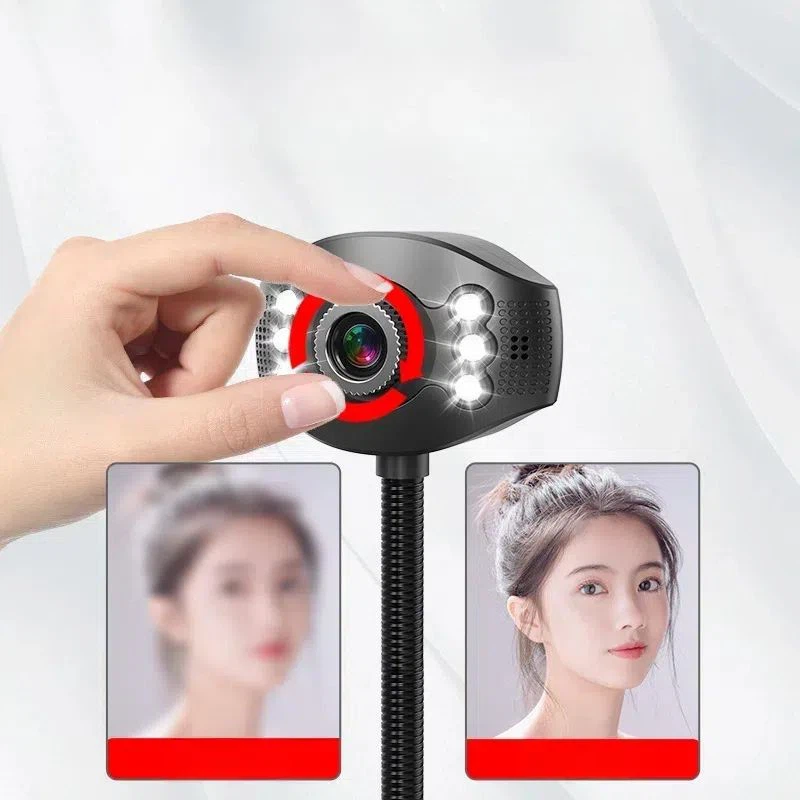
In addition, if you are using your desktop computer for conference calls or online meetings, our Wireless Conference Camera and Microphone can be paired with our USB speaker bars to provide a complete audio - visual solution.
Contact Us for Purchase and Negotiation
If you are interested in our USB speaker bars or have any questions about connecting them to your desktop computer, we encourage you to contact us. We have a professional sales team ready to assist you with product selection, technical support, and price negotiation. Whether you are an individual consumer looking to upgrade your desktop audio or a business looking to purchase in bulk, we can offer you the best solutions.
References
- "USB Audio: A Comprehensive Guide", Audio Technology Journal, 2022.
- "The Future of Desktop Audio: USB Speaker Bars", Tech Trends Magazine, 2023.
- "Connecting External Audio Devices to Desktop Computers", Computer Hardware Reviews, 2021.


