

Hey there! As a microphone supplier, I've seen firsthand how important it is to keep your mic in tip - top shape. A well - maintained microphone can last way longer and give you consistently great sound quality. So, let's dive into some practical ways you can extend the lifespan of your microphone.
1. Proper Storage
First off, storage matters big time. When you're not using your microphone, don't just toss it anywhere. Find a cool, dry place to store it. Humidity can be a real enemy to microphones. It can cause corrosion on the internal components and damage the diaphragm, which is super crucial for picking up sound.
A hard - shell case is your best friend here. It protects the mic from physical knocks and bumps. If you're on the go a lot, like for live gigs or outdoor shoots, a rugged case can save your mic from accidental drops. You can even line the case with soft foam to cushion the mic further. And make sure to keep the microphone upright in the case. Laying it flat for long periods might put unnecessary pressure on the internal parts.
2. Clean Regularly
Cleaning your microphone regularly is non - negotiable. Dust, dirt, and even saliva (especially if it's a vocal mic) can build up over time and affect its performance.
For the exterior, a soft, dry cloth is usually enough to wipe away the surface dirt. But for a deeper clean, you can use a mild, non - abrasive cleaner. Just dampen the cloth slightly and gently wipe the mic. Avoid getting any liquid inside the microphone.
The grille is where most of the gunk accumulates. You can use a small brush, like a makeup brush or a soft paintbrush, to carefully remove the debris. Some microphones come with removable grilles, which makes cleaning even easier. You can soak the grille in warm, soapy water (make sure it's completely dry before putting it back on the mic).
And don't forget about the cable. The cable is just as important as the mic itself. Check it regularly for any signs of wear and tear, like fraying or exposed wires. If you notice any issues, it's best to replace the cable as soon as possible. A damaged cable can cause interference and affect the sound quality.
3. Use a Pop Filter
A pop filter is a simple yet effective tool. When you speak or sing into a microphone, the sudden bursts of air from consonants like "p" and "b" can create a loud popping sound. This not only sounds bad but can also put extra stress on the microphone's diaphragm.
A pop filter acts as a barrier between your mouth and the mic. It diffuses the air and reduces the impact of those plosive sounds. You can find affordable pop filters online or at music stores. They're easy to attach to most microphones, and they'll definitely help extend the life of your mic by preventing excessive wear on the diaphragm.
4. Avoid Overloading
Microphones have a certain level of input they can handle. If you expose your mic to extremely loud sounds for long periods, it can cause permanent damage. For example, if you're using a microphone in a live concert setting, make sure the sound levels are properly adjusted.
If you're recording in a studio, use a pre - amplifier or a mixer to control the input levels. This way, you can make sure the microphone isn't getting overloaded with too much sound. Overloading can cause distortion and can even burn out the microphone's internal components.
5. Handle with Care
This might seem obvious, but you'd be surprised how many microphones get damaged due to rough handling. When you're moving the microphone around, hold it by the body, not the cable. Pulling on the cable can damage the connection between the cable and the mic.
Also, avoid dropping the microphone. Even a small drop can cause internal damage that might not be immediately visible but can affect the sound quality over time. If you're using a microphone stand, make sure it's stable and secure. A wobbly stand can lead to the mic falling and getting damaged.
6. Check Compatibility
If you're using your microphone with other equipment, like an audio interface or a mixer, make sure they're compatible. Using incompatible equipment can cause issues like impedance mismatches, which can lead to poor sound quality and can even damage the microphone.
Before you connect your microphone to any new device, do some research to make sure they're a good match. You can also consult the user manuals or reach out to the manufacturers for advice.
7. Update Firmware (if applicable)
Some modern microphones come with firmware that can be updated. Firmware updates can improve the microphone's performance, add new features, and fix any bugs.
Check the manufacturer's website regularly for firmware updates. The process is usually pretty straightforward. You'll need to download the update file and follow the instructions provided. Keeping your microphone's firmware up - to - date can help it run more efficiently and last longer.

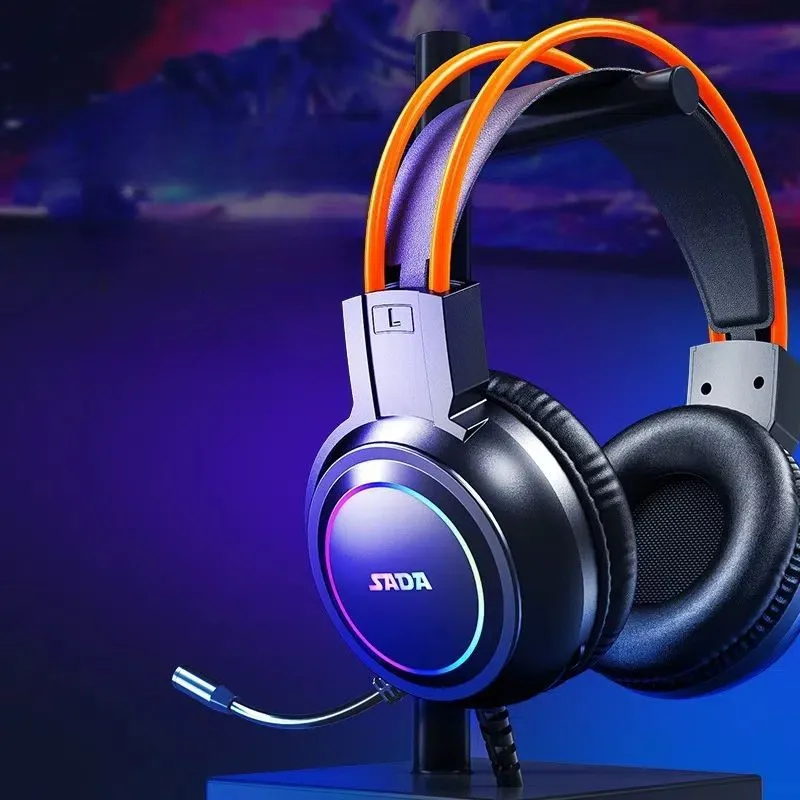
Now, if you're in the market for a new microphone or looking to upgrade your current setup, we've got some great options for you. We offer a wide range of microphones for different needs. Whether you're into Camera and Microphone for Video Conferencing, need a Camera Mic and Speaker All in One, or are a gamer looking for a Ps4 Headset Bluetooth with Microphone, we've got you covered.
If you have any questions about our products or need advice on how to take care of your microphone, don't hesitate to reach out. We're here to help you make the most of your audio equipment and ensure that your microphone lasts for years to come. Contact us to start a procurement discussion and find the perfect microphone for your needs.
References
- Microphone User Manuals
- Audio Engineering Society Publications
- Online Audio Communities and Forums


