

Hey there! As a microphone supplier, I often get asked about how to use a microphone splitter. It's a nifty little device that can come in super handy in a variety of situations. So, let me break it down for you in simple terms.
First off, what exactly is a microphone splitter? Well, it's a device that allows you to connect one microphone to multiple audio inputs. This means you can send the same audio signal from a single mic to different devices simultaneously, like an audio mixer, a recording device, and a monitor speaker.
When You Might Need a Microphone Splitter
There are several scenarios where using a microphone splitter is really useful. For example, if you're recording a live event like a concert or a conference. You may want to record the audio directly to a hard drive for later use, while also sending it to an audio mixer for real - time sound adjustment and broadcast.
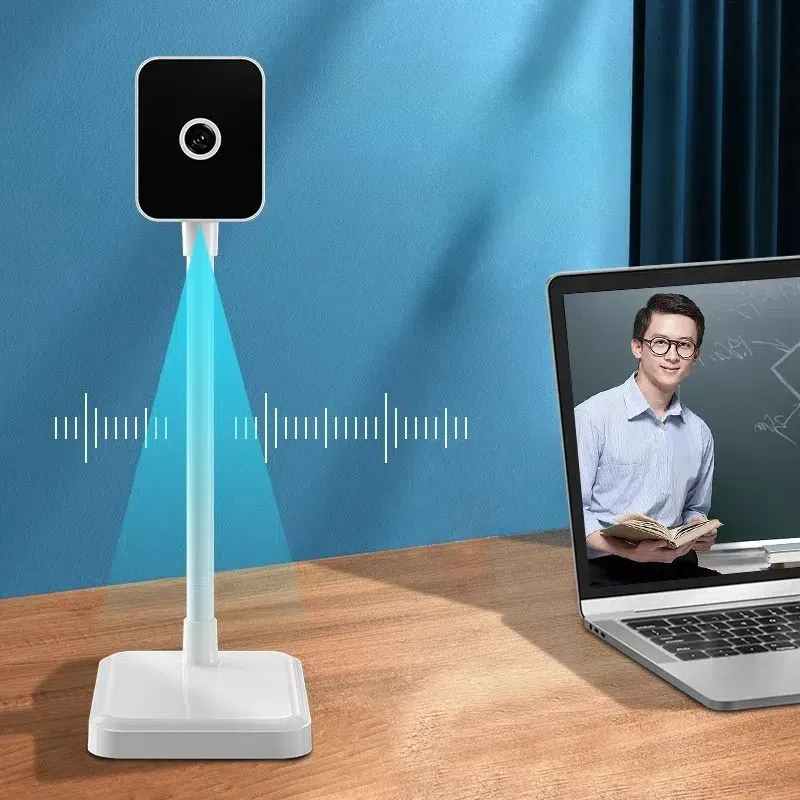
Let's say you're hosting a video conference. You might want to connect your microphone to both your computer for the video call and a separate audio monitor so you can hear your own voice clearly. This ensures that you're speaking at the right volume and pitch, and it also helps in recording the conference audio clearly. If you're interested in high - quality equipment for video conferencing, check out our Camera and Microphone for Video Conferencing.
Types of Microphone Splitters
There are mainly two types of microphone splitters: passive and active.
Passive Microphone Splitters: These are the simpler and more affordable option. They don't require an external power source to operate. They work by simply taking the audio signal from the microphone and splitting it evenly among the output ports. However, because they don't amplify the signal, the audio quality might degrade a bit, especially if you're using long cables or splitting the signal into multiple outputs.
Active Microphone Splitters: These ones come with a built - in amplifier. They need an external power source, usually a battery or a power adapter. The amplifier boosts the audio signal, which helps in maintaining better audio quality over longer distances and when splitting the signal into multiple outputs. The trade - off is that they're a bit more expensive and require a power source, but if you're looking for high - fidelity audio, they're worth the investment.
How to Use a Microphone Splitter
Now, let's get into the nitty - gritty of how to use a microphone splitter.
Step 1: Gather Your Equipment
You'll need a microphone, a microphone splitter, and the devices you want to connect to, like an audio mixer, a recorder, or speakers.
Step 2: Check the Connectors
Make sure the connectors on your microphone, splitter, and other devices are compatible. Most microphones use XLR connectors, so look for a splitter with XLR input and output ports. If your devices have different connectors, you may need an adapter.
Step 3: Connect the Microphone to the Splitter
Plug the XLR cable from your microphone into the input port of the splitter. Usually, the input port is labeled clearly on the splitter.
Step 4: Connect the Splitter to Other Devices
Take the output cables from the splitter (these are usually also XLR cables) and plug them into the input ports of your other devices, such as the audio mixer, the recorder, or the speakers. Make sure to connect them firmly to avoid any loose connections and audio issues.
Step 5: Power On (if it's an Active Splitter)
If you're using an active microphone splitter, switch on the power. You can either use a battery or a power adapter, depending on the type of splitter you have.
Step 6: Test the Setup
Once everything is connected and powered on, speak or make some noise into the microphone. Check if you can hear the audio on all the connected devices. If there's any issue, like no sound or poor audio quality, double - check your connections and make sure all the devices are set to the correct input source.
Tips for Using a Microphone Splitter
- Cable Management: Keep your cables organized to avoid any tangles or interference. Use cable ties or clips to keep them in place.
- Signal Strength: If you're using a passive splitter and notice a significant drop in signal strength, consider using shorter cables or an active splitter.
- Grounding: Make sure all your devices are properly grounded to prevent any hum or noise in the audio.
Applications in Different Settings
Conference Rooms
In a conference room, a microphone splitter can be a game - changer. You can use a single high - quality microphone, like our Desktop Conference Microphone, and split the audio signal to multiple devices. For example, you can send the audio to a sound system for everyone in the room to hear, and at the same time, record it for future reference. You can also connect it to a video conferencing system so that remote participants can hear clearly.
Recording Studios
Recording studios often use microphone splitters to capture multiple takes or to send the same audio signal to different processing units. For example, you can split the signal from a vocal microphone and send it to a compressor and an equalizer simultaneously for different audio treatments.
Live Performances
During a live performance, a microphone splitter allows you to send the audio from the performer's microphone to the main sound system for the audience, as well as to a recording device for archiving. You can also use it to send a separate feed to the monitor speakers so that the performer can hear themselves clearly. And if you're looking for a wireless option, our Wireless Conference Camera and Microphone can be a great addition to your setup.
Conclusion
Using a microphone splitter is a great way to get more out of your microphone. Whether you're in a conference room, a recording studio, or at a live event, it can help you distribute the audio signal to multiple devices easily. With the right setup and a bit of know - how, you can ensure high - quality audio for all your needs.
If you're interested in purchasing microphones, splitters, or other audio equipment, feel free to reach out to us. We're here to help you find the perfect solutions for your specific requirements. Whether you're a small business looking to upgrade your conference room audio or a professional audio engineer in a recording studio, we've got you covered. Let's start a conversation and see how we can enhance your audio experience.

References
- Audio Engineering Society publications on microphone technology.
- Manufacturer's manuals for microphone splitters.


