

Hey there, audio enthusiasts! If you're on the hunt for the best studio microphone setup, you've landed in the right spot. As a microphone supplier, I've seen it all – from newbie streamers to seasoned podcasters, everyone wants that top - notch audio quality. So, let's dive right in and break down what makes a killer studio microphone setup.
1. The Heart of the Setup: The Microphone Itself
First things first, you can't have a studio setup without a good microphone. There are different types, and each has its own strengths.
Condenser Microphones
Condenser mics are super popular in studios. They're known for their high sensitivity and ability to capture even the tiniest details in sound. This makes them perfect for recording vocals, acoustic instruments, and anything where you need a crisp, clear sound. For example, if you're a singer - songwriter recording your latest track, a condenser mic will pick up all the nuances of your voice and the gentle strumming of your guitar.
One of the drawbacks, though, is that they're also more sensitive to background noise. So, you'll need a relatively quiet recording environment. But if you can manage that, the audio quality they produce is hard to beat. You can check out some great options on our Best Gaming Pc Microphone page. These mics aren't just for gaming; they can also be fantastic for studio work.
Dynamic Microphones
Dynamic mics are the workhorses of the microphone world. They're tough, durable, and can handle high sound pressure levels without distorting. This makes them ideal for recording loud instruments like drums or for live performances.
They're also less sensitive to background noise compared to condenser mics, so you don't have to worry as much about a perfectly quiet room. If you're a podcaster who wants to record in a less - than - ideal environment, a dynamic mic might be your best bet.
Ribbon Microphones
Ribbon mics are a bit of a niche but offer a unique sound. They have a warm, smooth tone that's often used for recording brass instruments, vocals, and guitar amps. They're not as common as condenser or dynamic mics, but if you're looking for something different and have the budget, they can add a special touch to your recordings.
2. Microphone Stand and Shock Mount
Once you've got your microphone, you need a way to hold it steady. A good microphone stand is essential. There are different types, like boom stands and straight stands.
A boom stand gives you more flexibility in positioning the microphone. You can adjust it up, down, and side - to - side, which is great if you're recording multiple instruments or have different people speaking. Straight stands are more basic but can still do the job if you don't need as much movement.
A shock mount is also crucial. It helps to isolate the microphone from vibrations, like those caused by your desk or the floor. This reduces unwanted noise and ensures a cleaner recording. You don't want any rattling or shaking sounds ruining your audio.
3. Pop Filter
A pop filter is a simple but important accessory. When you speak or sing into a microphone, you can create popping sounds, especially when pronouncing words with "p" or "b" sounds. A pop filter helps to disperse the air from your mouth, reducing these pops. It's a small investment that can make a big difference in the quality of your recordings.
4. Audio Interface
The audio interface is what connects your microphone to your computer. It converts the analog signal from the microphone into a digital signal that your computer can understand.
There are different types of audio interfaces, with varying numbers of inputs and outputs. If you're just starting out and only need to record one microphone, a simple single - input interface will do. But if you're recording a band or multiple instruments at once, you'll need an interface with more inputs.
A good audio interface also has pre - amps, which amplify the signal from the microphone. The quality of the pre - amps can have a big impact on the overall sound quality. So, it's worth spending a bit more on a decent audio interface.
5. Soundproofing
No matter how good your microphone and other equipment are, if your recording environment is noisy, your audio will suffer. Soundproofing your studio can be a game - changer.
You can use acoustic panels on the walls to absorb sound reflections. This helps to create a more neutral recording environment and reduces echoes. Thick curtains can also help to block out external noise.
If you're on a budget, you can even make some DIY acoustic panels using materials like egg cartons or insulation foam. It won't be as effective as professional panels, but it can still make a difference.
6. Monitoring
Once you've recorded your audio, you need to be able to listen to it properly. That's where monitors come in. Studio monitors are speakers that are designed to give you an accurate representation of the sound.
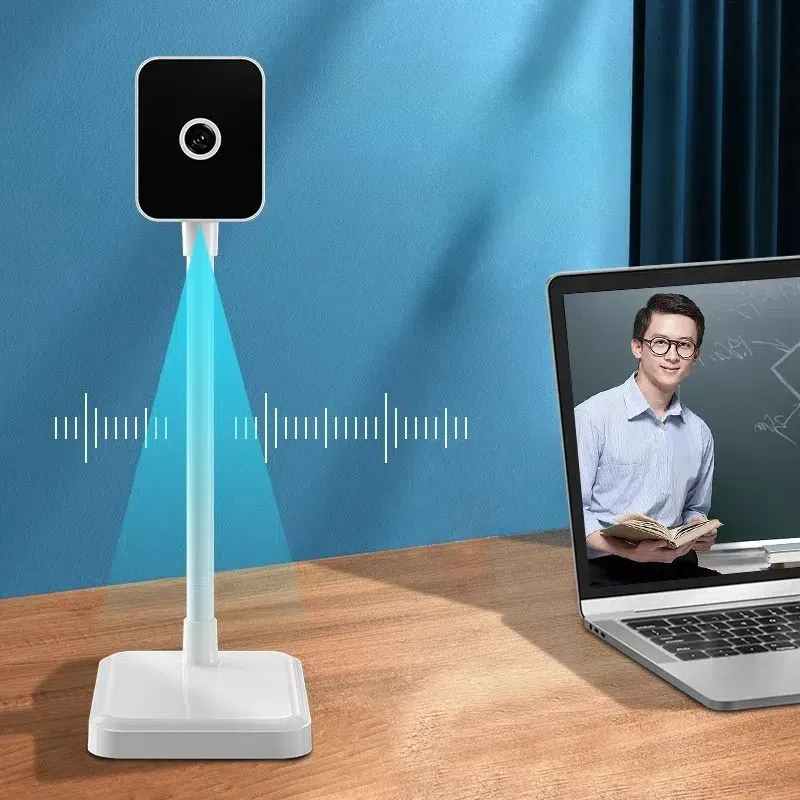

There are different sizes and types of studio monitors. Smaller monitors are great for home studios, while larger ones are better for professional recording studios. You can also use headphones for monitoring, especially if you don't want to disturb others.
7. Software
Finally, you need software to record, edit, and mix your audio. There are many options available, both free and paid.
Audacity is a popular free audio editing software. It's easy to use and has all the basic features you need for recording and editing audio. For more advanced users, software like Ableton Live, Pro Tools, or Logic Pro offer more powerful features for mixing and producing music.
Specialized Setups
Gaming Setup
If you're a gamer, you might be interested in a setup that's optimized for gaming. Our Best Gaming Pc Microphone page has some great options. You'll want a microphone that's easy to use and has good noise - cancellation features. A boom arm can be handy so you can position the microphone close to your mouth while you're gaming.
PS4 Setup
For PS4 users, a Ps4 Headset Bluetooth with Microphone can be a great all - in - one solution. It allows you to communicate with other players while also enjoying high - quality audio from your games.
Video Conferencing Setup
With the rise of remote work and online meetings, a good Camera and Microphone for Video Conferencing setup is essential. You'll want a microphone that can pick up your voice clearly without picking up too much background noise. A small USB microphone can be a great option for this.
Conclusion
So, there you have it – the key components of the best studio microphone setup. It might seem like a lot to consider, but each piece plays an important role in getting the best possible audio quality.
If you're interested in purchasing any of the products mentioned in this blog or have questions about setting up your studio, don't hesitate to reach out. We're here to help you find the perfect microphone and accessories for your needs. Whether you're a beginner or a professional, we've got the expertise and the products to make your audio recording dreams a reality.
References
- "The Audio Expert: Everything You Need to Know About Audio Equipment" by Ethan Winer
- "Recording Engineer's Handbook" by Bobby Owsinski


